SCREEN PRINTING GUIDES · PREPARATION
Film positives: what they are and what they do in screen printing
Before ink reaches a bag, a PVC item or a fabric, the design has to be transferred onto a screen. The film positive is what makes that step possible. Understanding how it works helps you prepare artwork, read a quote and plan repeat orders.
Published 6 min read
In short
- A film positive is a transparent film with the design printed in opaque black.
- It is used to transfer the design onto the screen. It does not print anything itself.
- As a rule, each colour in the design needs its own film and its own screen.
- Vector files, actual print sizes and identified colours avoid extra preparation.
- For a repeat order, identify the previous job and any change to the artwork.
01
What is a film positive?
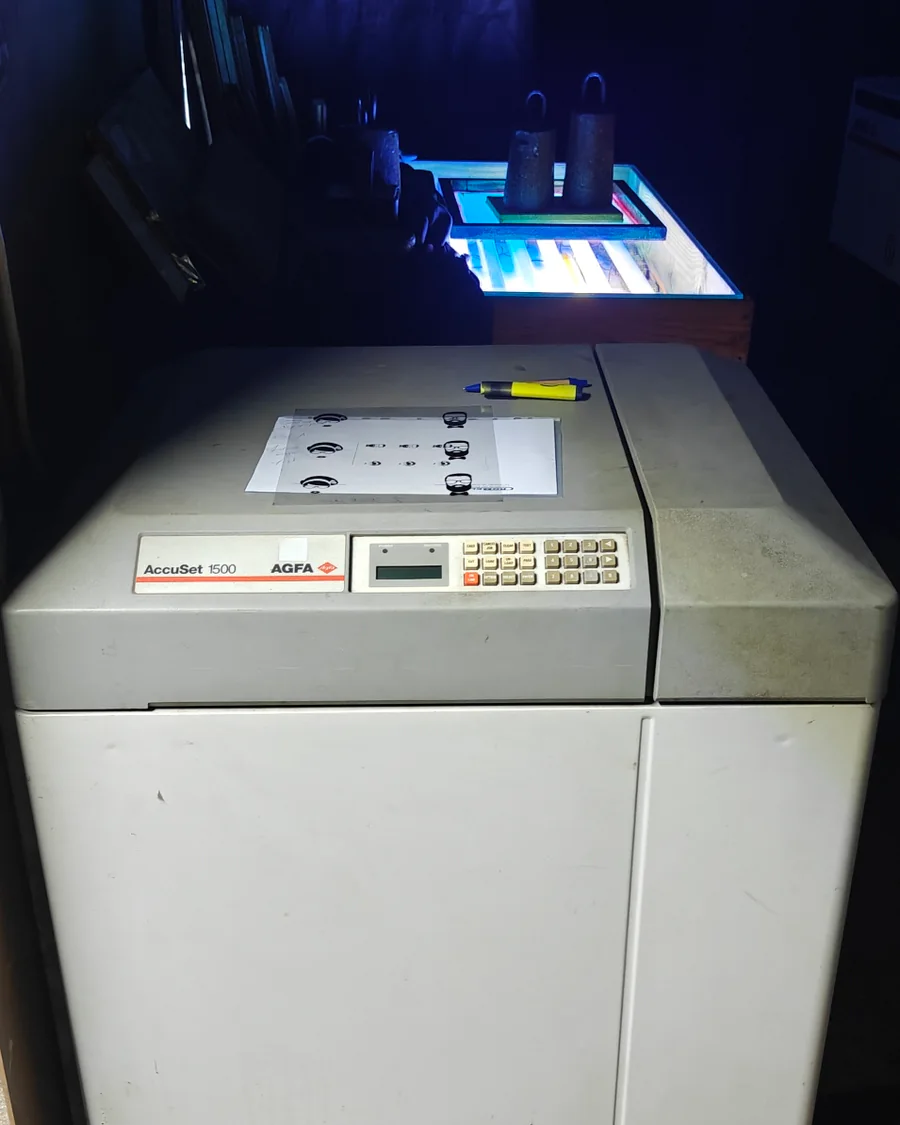
A film positive is a transparent sheet on which the design to be printed appears in opaque black. It works like a light mask: the black areas block the light and the clear areas let it through.
The film never touches the ink or the finished item. It is a preparation tool, used before printing to transfer the design onto the screen. Because each colour is printed separately in screen printing, a multi-colour design usually needs one film per colour.
02
How it is used in the process
There are four main stages between the file sent by the client and the printed item. The film positive sits in the middle, linking the digital artwork to the screen.
01
Final artwork
The file is checked and set to the actual print size. If the design has several colours, it is separated colour by colour.
02
Film positives
Each colour is output onto its own film, with that part of the design in opaque black.
03
Screen exposure
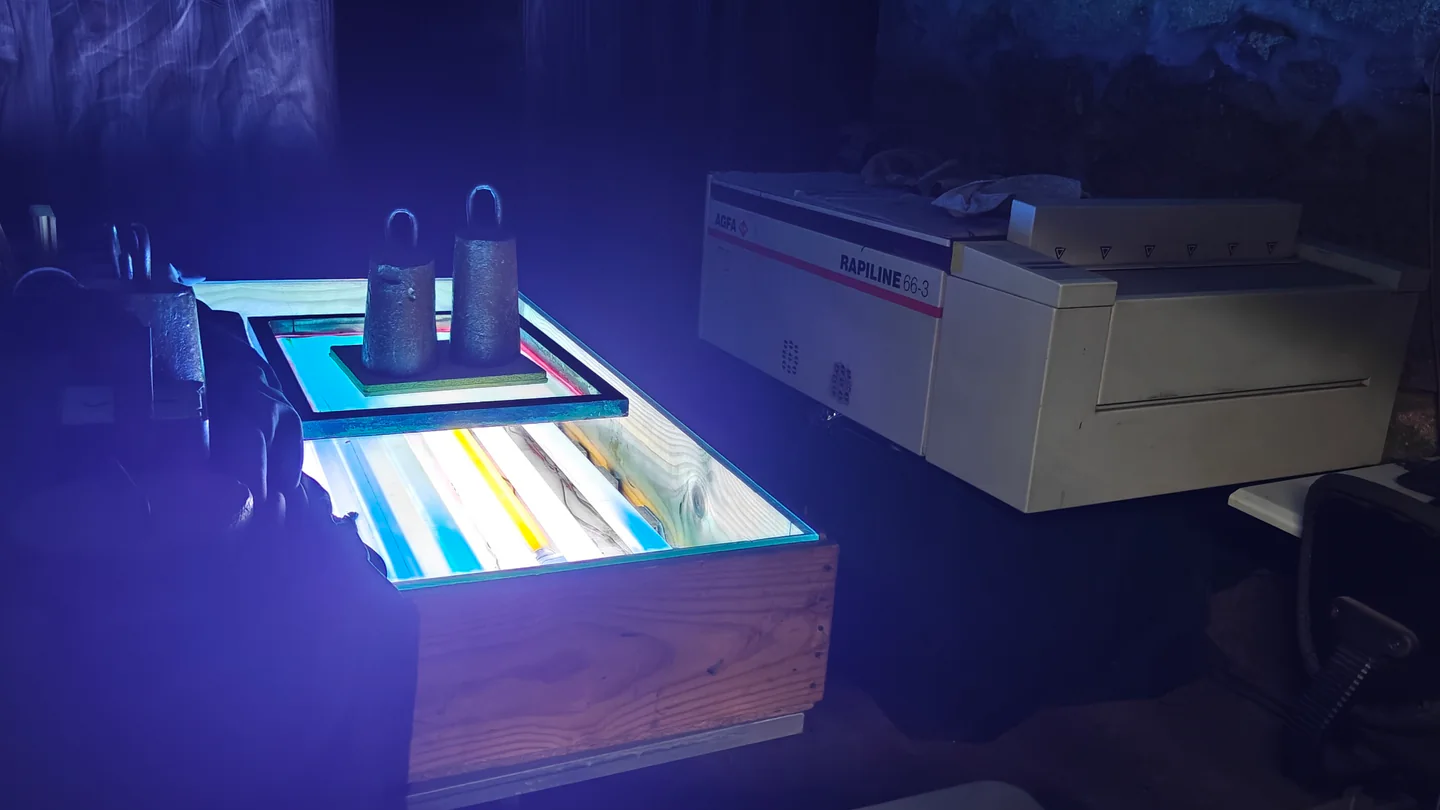
The screen, coated with light-sensitive emulsion, is exposed with the film on top. Where the film is black, the emulsion does not harden and is later washed out with water, leaving the mesh open.
04
Printing
The squeegee pushes ink through the open areas of the mesh and the design is transferred to the substrate. Each colour has its own pass.
03
Film positive or screen: what is the difference?
They are two different items, used at different stages, and they are often confused. The film is used to transfer the design; the screen is used to print it.
Film positive
- What it is
- A transparent film with the design in opaque black.
- What it does
- Transfers the design onto the screen during preparation.
- Contact with ink
- No.
- When it must be remade
- When the design, size or colour separation changes.
Screen
- What it is
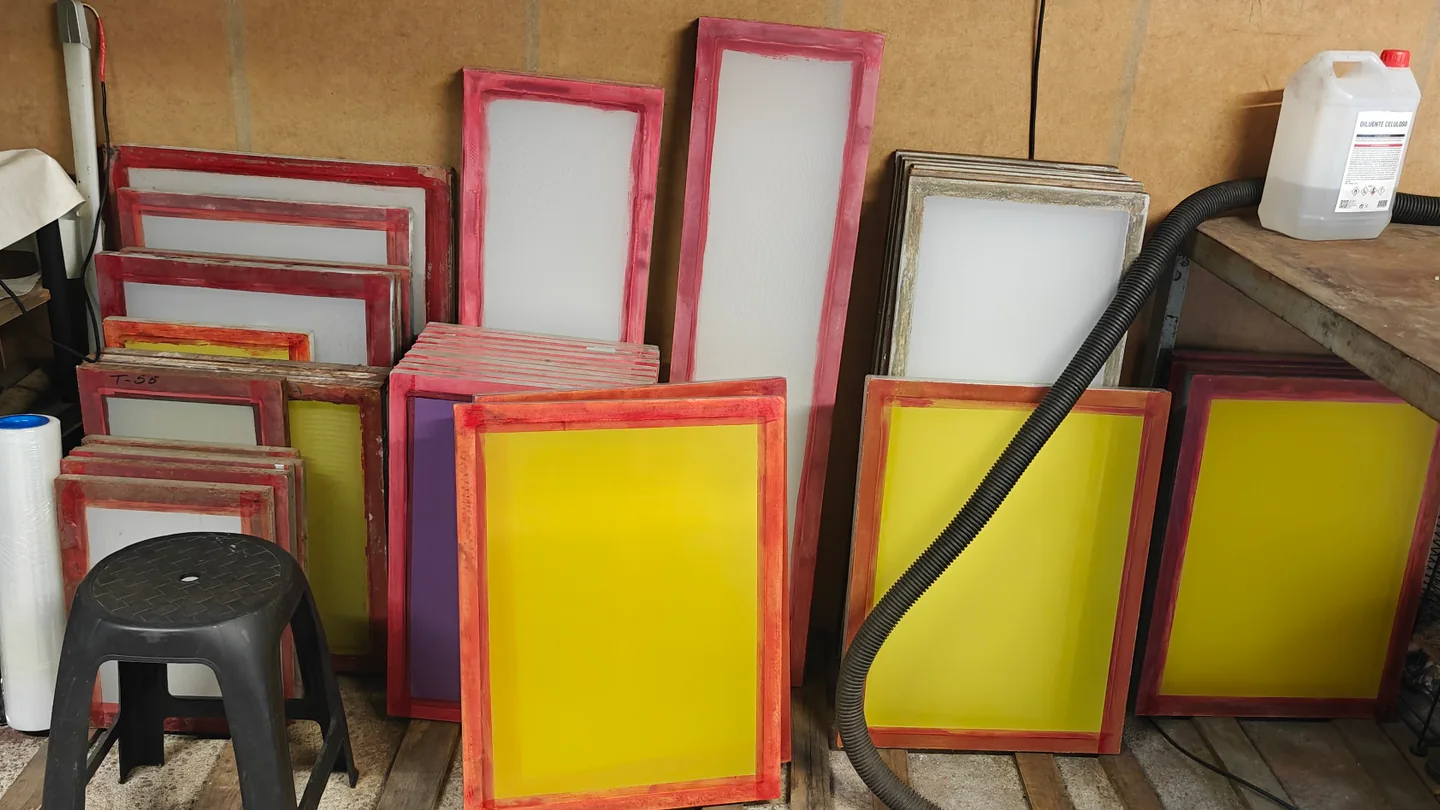
- A frame with stretched mesh, coated with emulsion.
- What it does
- Prints: ink passes through the open areas of the mesh.
- Contact with ink
- Yes, for every printed item.
- When it must be remade
- When the exposed design changes or the job needs a different screen preparation.
04
How colours and preparation affect the quote
Before the first item is printed, there is preparation work: checking the artwork, producing the films, exposing the screens and registering each colour. That work depends mainly on the design, not on the quantity.
- Number of colours
- As a rule, each colour needs its own film, its own screen and its own printing pass, with the colours aligned to one another. A three-colour logo needs more preparation than the same logo in one colour.
- Size and print positions
- The size of the design determines the size of the film and screen. Printing in more than one position, such as front and back, may add preparation and passes.
- State of the artwork
- A print-ready vector file saves work. A low-resolution image, live text or undefined colours may mean the artwork has to be prepared before the films are made.
- Detail and gradients
- Very fine lines, small text, photographs and gradients need more care and do not suit every substrate. They are worth assessing before the design is finalised.
- Substrate
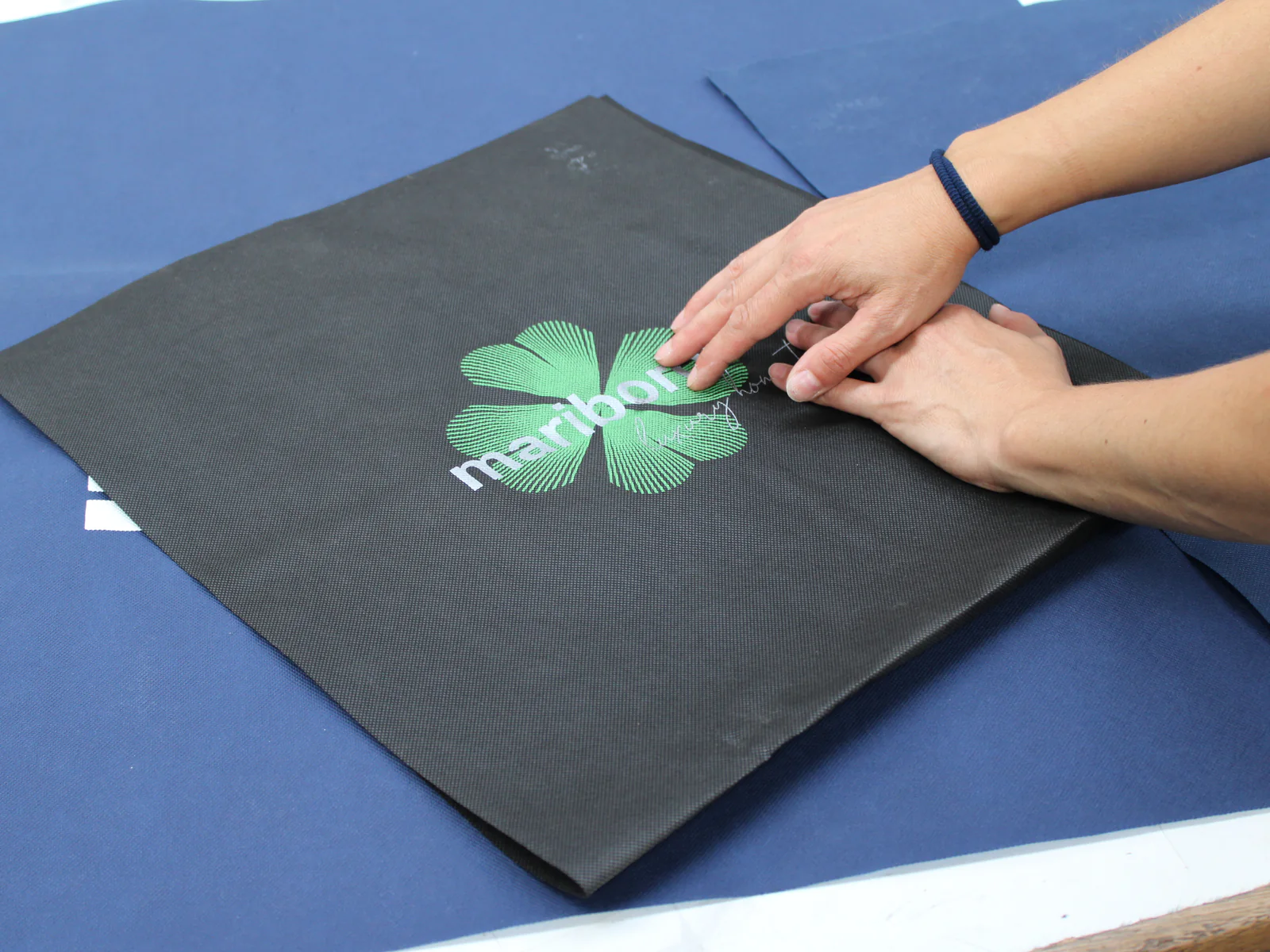
- The colour and texture of the material change how colours appear. On clear PVC, non-woven material or fabric, preparation is planned so that the design reads well.
- Quantity
- Because preparation happens before production, its share of the cost per item tends to be higher for small quantities.
This guide is not a quote. For an accurate assessment, tell us about the artwork, substrate, number of colours, print size and approximate quantity.
05
Which files to send
The more complete the information, the fewer questions remain before the films are made. Use this list to prepare what you send.
- Vector artwork
- For example vector PDF, AI, EPS or SVG. Vector files stay sharp at any size.
- Text converted to outlines
- Convert text to outlines or send the fonts used, to avoid font substitution.
- Identified colours
- Say how many colours the design has and, if colour matching matters, give a reference for each one, for example Pantone.
- Size and position
- Final print size and position on the item. A photo or sketch with the position marked helps.
- Substrate details
- Type of material, colour and, if possible, a photo or sample of the item.
- If you only have an image
- Send the highest-quality version you have, as JPG or PNG. The artwork may need preparing before going ahead, which is assessed with your request.
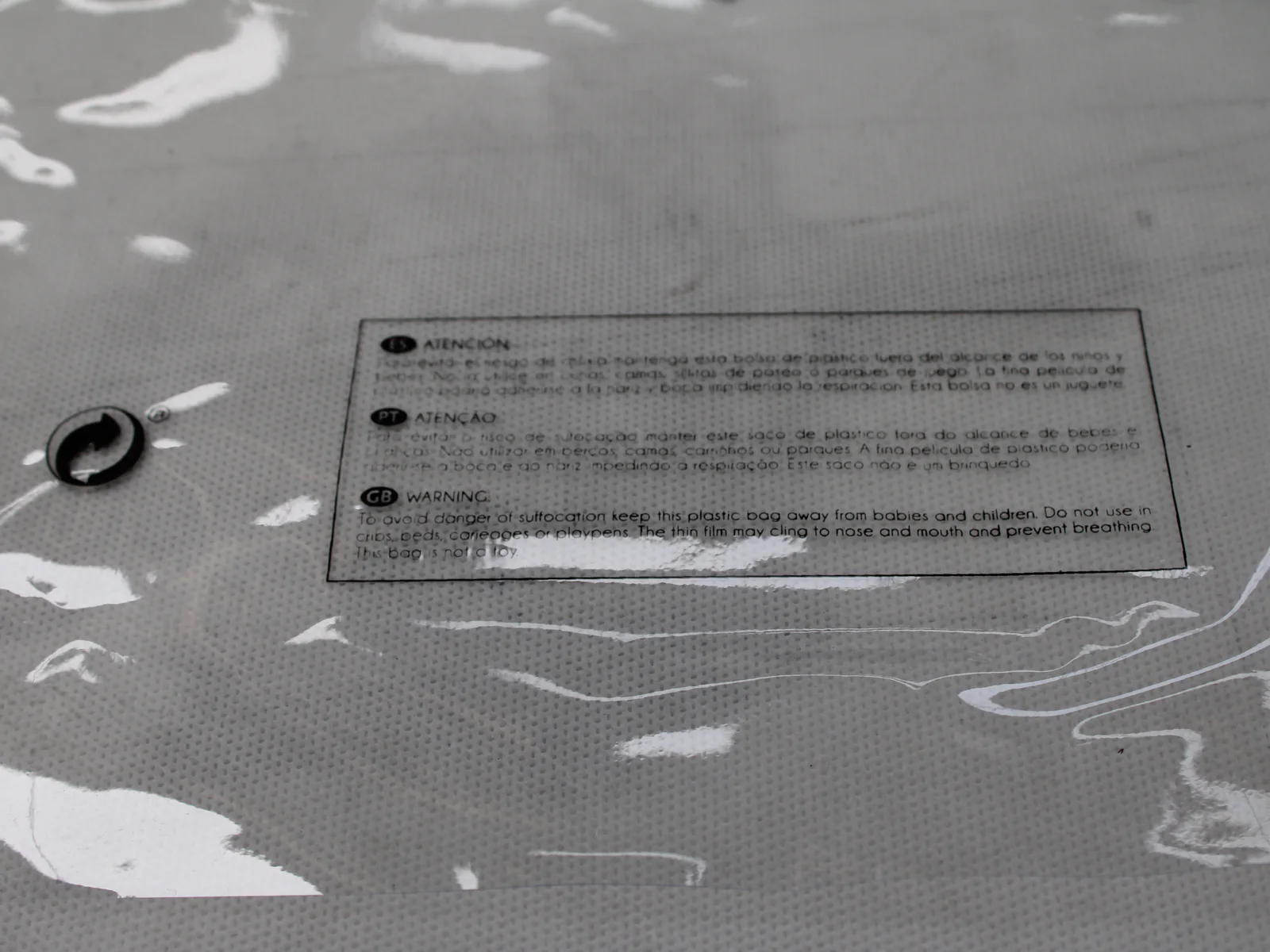
Each material has its own particularities. The pages on PVC screen printing, fabric screen printing, non-woven bags and footwear components explain what to include in your request.
06
Repeat orders: what to consider
When a job is repeated, part of the preparation may already be done. That depends on what stays the same and should be confirmed case by case.
- Identify the previous order
- Give the approximate date or reference, or send a photo of the printed item.
- Check the artwork is identical
- A small change, such as a contact detail, a date or a different size, usually means a new film and a new screen exposure for the colour affected.
- Check colours and substrate
- Changing the ink colour, the material or the colour of the item may require adjustments, even with the same design.
- Ask about previous preparation
- Whether films or screens from a previous job can be reused is something to confirm when requesting a quote.
- Keep the approved artwork
- Keeping the final file makes any repeat easier, even if everything has to be prepared again.